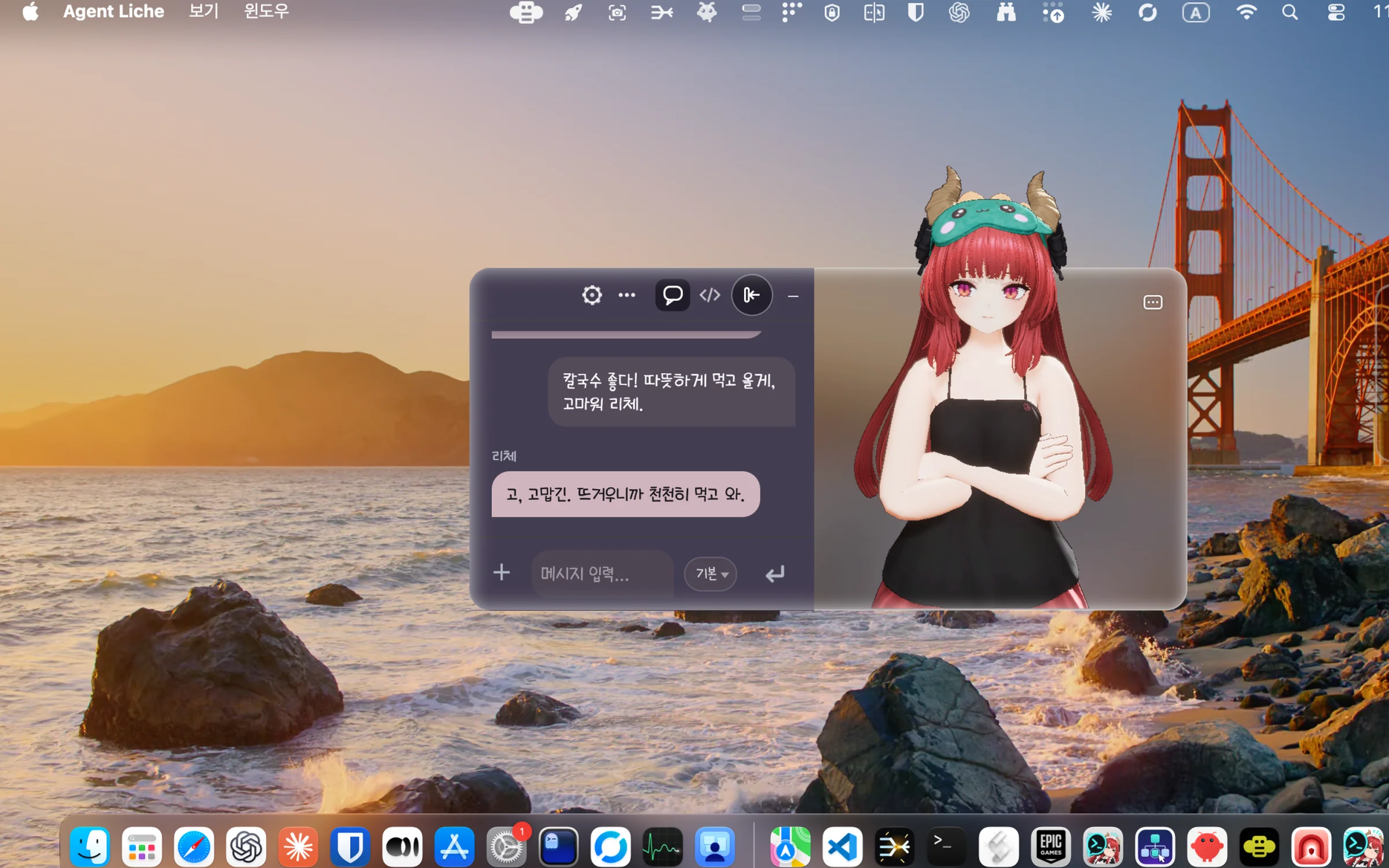
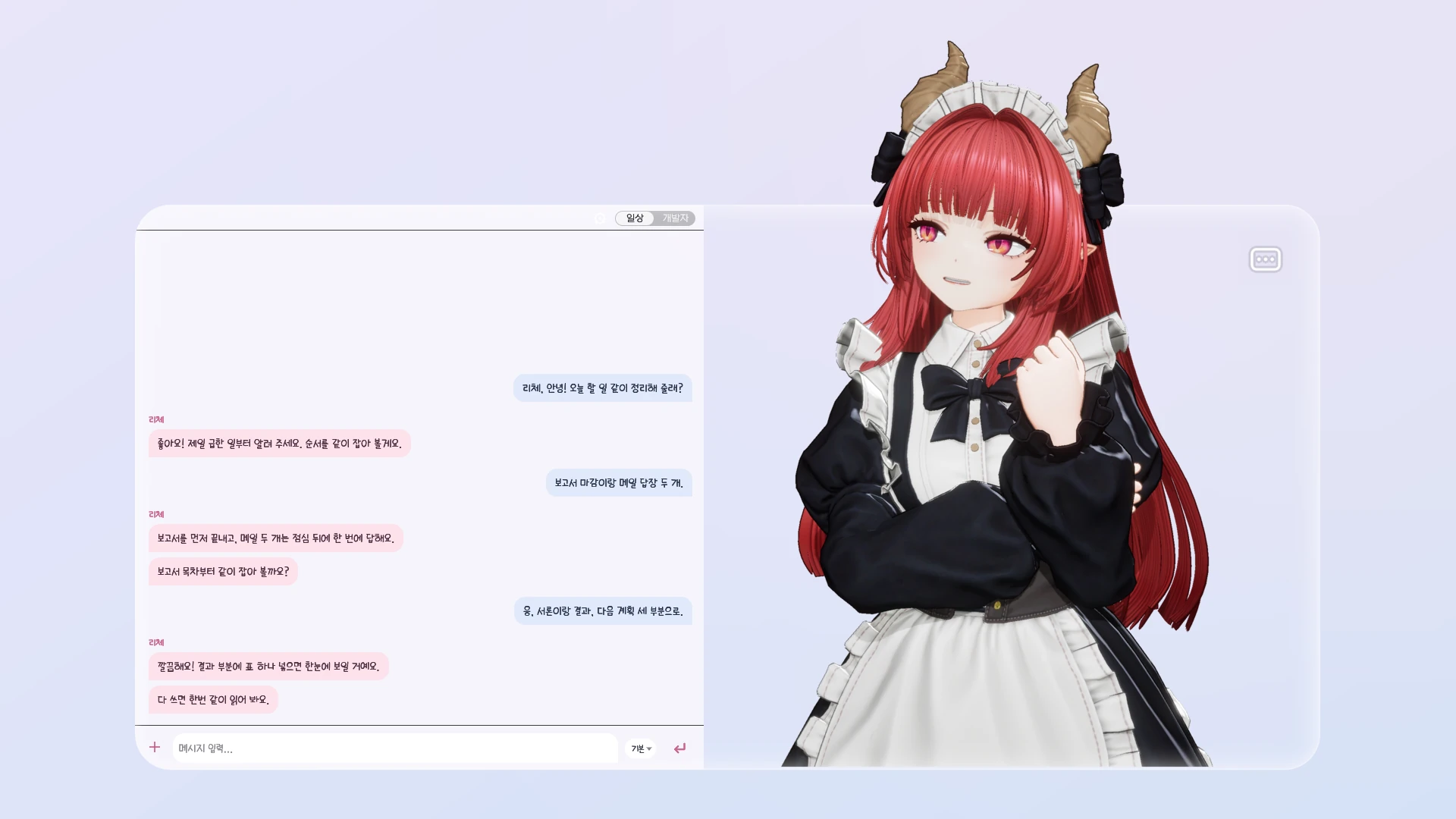
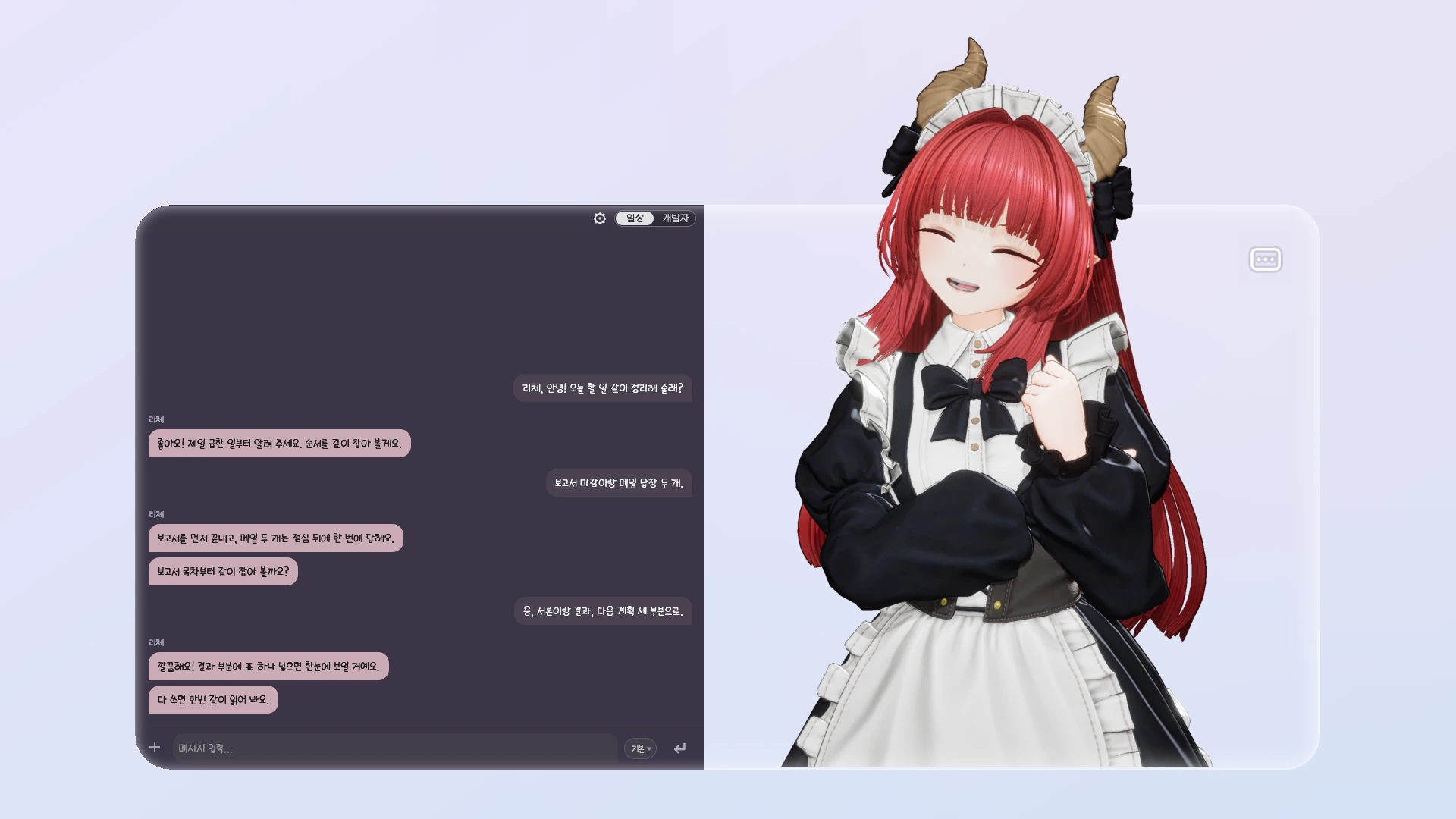
Does AI chat work out of the box?
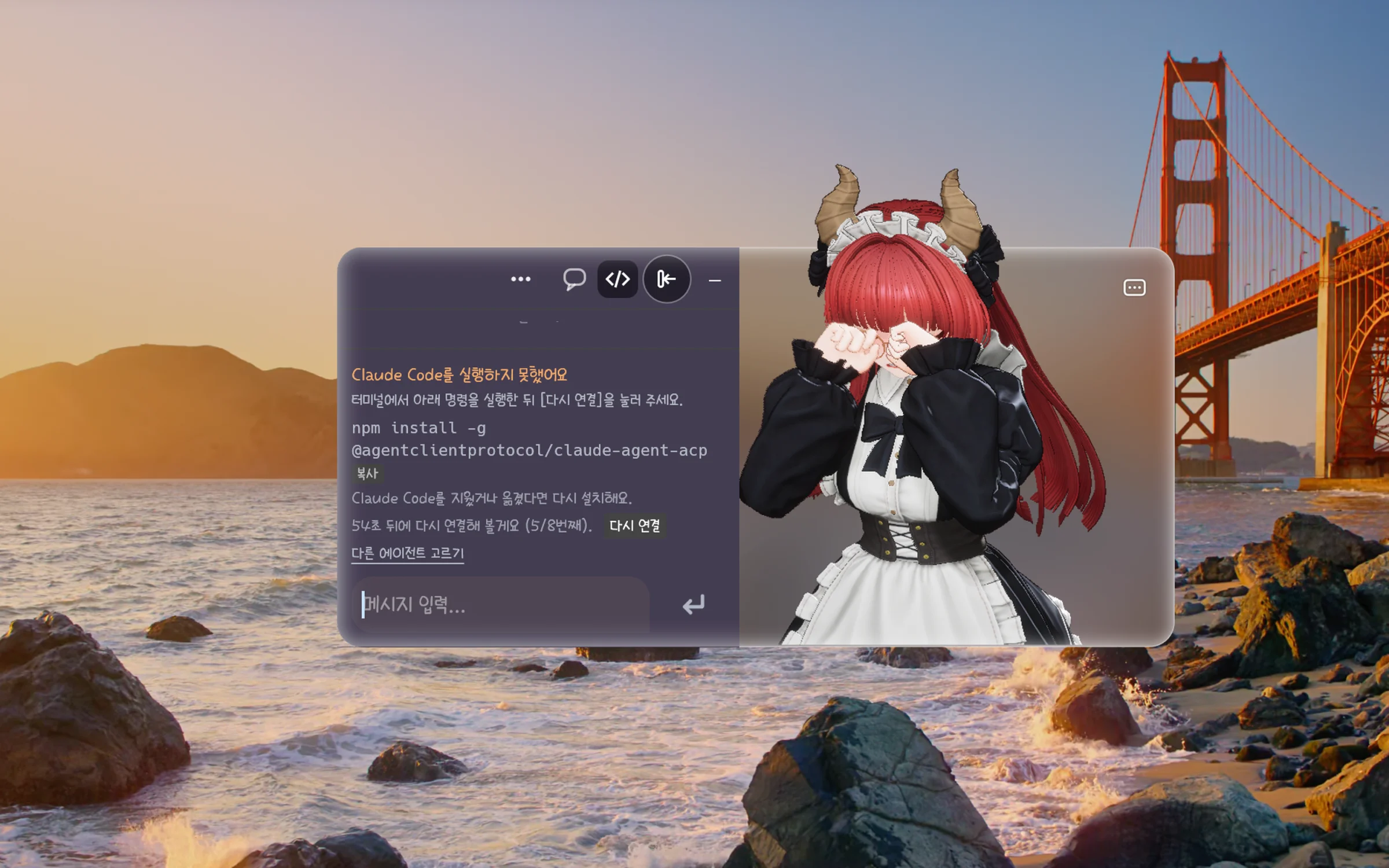
Liche provides the chat and the character; the AI agent that writes the replies is installed and signed in separately. On Mac, pick and connect your agent on the 리체 시작하기 (Getting started) screen at first launch. If no agent is installed, Liche shows the install commands and their order, but she does not install or sign in for you. The agent's account, subscription and API fees are paid to that service.
Which agents can I connect?
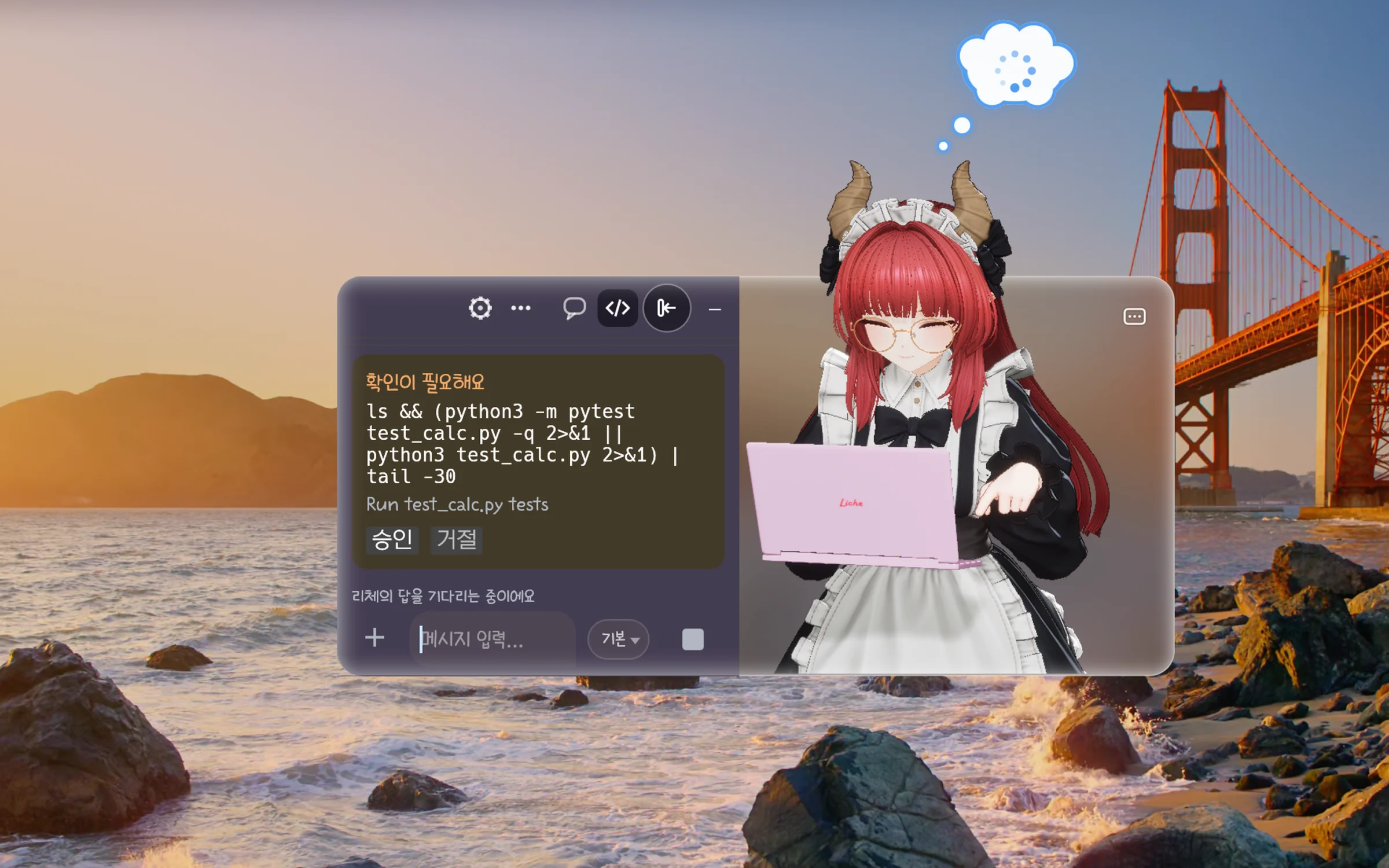
Mac 0.2.0 connects Claude Code, Codex, OpenClaw and Hermes, and other agents that speak ACP (Agent Client Protocol). Codex connects in a mode that asks you before it writes outside its work folder or uses the network. The user guide's agent page explains each one.
How do I install it on a Mac?
After buying, download the macOS zip from your library and double-click it in Finder. Move Agent Liche.app into Applications and open it. The first time, macOS asks whether to open an app downloaded from the internet: choose Open. The app is notarized by Apple, so no other security setting needs changing.
Which version do I get on Windows?
The Windows file is 0.1.0 for now. Windows 0.2.0 is in preparation and will come to this same product. One purchase gives you both the Windows and the macOS files, and versions released within your update period come at no extra cost.
How do I install it on Windows?
After buying, download the Windows zip from your library, unzip it and run Liche. Tested on Windows 11 (64-bit).
Windows shows an "unknown publisher" warning.
The Windows build is not code-signed yet. In the "Windows protected your PC" window, click "More info", then "Run anyway". Code signing is being prepared.
On first run of Windows 0.1.0, Windows Firewall asks whether to allow "UnrealGame" on the network.
That prompt comes from a diagnostics feature of Unreal Engine in 0.1.0. Liche's character and chat do not use it, so you can click "Cancel" and everything keeps working. From 0.2.0 on, Liche opens no listening port, so the prompt does not appear.
How much memory does it need?
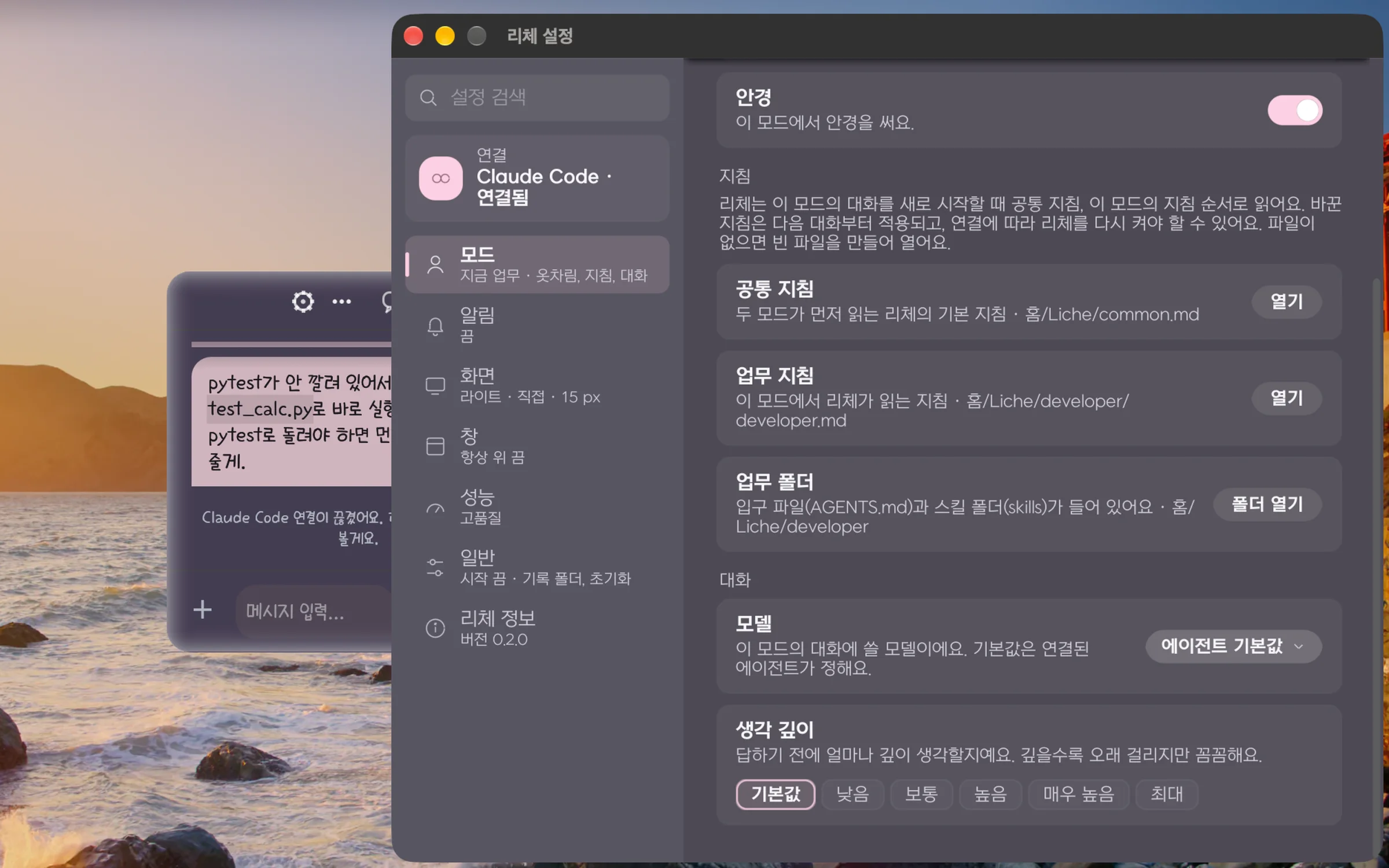
At least 8 GB; 16 GB is recommended. She draws a 3D character all the time, so on a Mac laptop we recommend the 절약 (Saver) profile under 리체 설정 › 성능 (Settings › Performance).
Does Liche keep my screen from turning off?
Mac 0.2.0 does not keep the display, the screen saver or sleep from happening: they follow your Mac's energy settings, and Liche stops drawing while nobody can see her. On Windows 0.1.0 the screen saver and automatic lock may not come while Liche runs; lock your PC with Windows key + L when you step away. Windows 0.2.0 includes the fix.
How do I get new versions?
Download new versions released within your update period from your library. In Mac 0.2.0, 리체 설정 › 리체 정보 › 새 버전 알림 (Settings › About Liche › New version notifications) checks the store's latest version once a day and tells you, but never downloads or installs anything. You can turn it off.
Are there known issues?
Opening the app from an external drive for the first time makes macOS ask for access to removable volumes, and the chat does not appear until you answer: choose Allow, or move the app into Applications. Left running for a long time, the engine's memory use grows slowly (a few tens of MB an hour); restarting Liche frees it. Other issues and fixes are in the user guide's troubleshooting page.
What should I do if something goes wrong?
In Mac 0.2.0, 리체 설정 › 리체 정보 › 진단 파일 만들기 (Settings › About Liche › Create diagnostics file) saves a zip to your desktop. Chat text and keys are masked and nothing is sent automatically. Check its contents, then send it to Gujo support with your question.