Add a tunnel
In the Connections tab of the window, import a .conf file, a WireGuard export .zip, pasted configuration text, or a QR code image. Dropping a file anywhere on the window works too. The private key is stored in the system keychain.

Connects this Mac to WireGuard servers through its own network extension. Turn tunnels on and off from the menu bar, the window, or the command line.
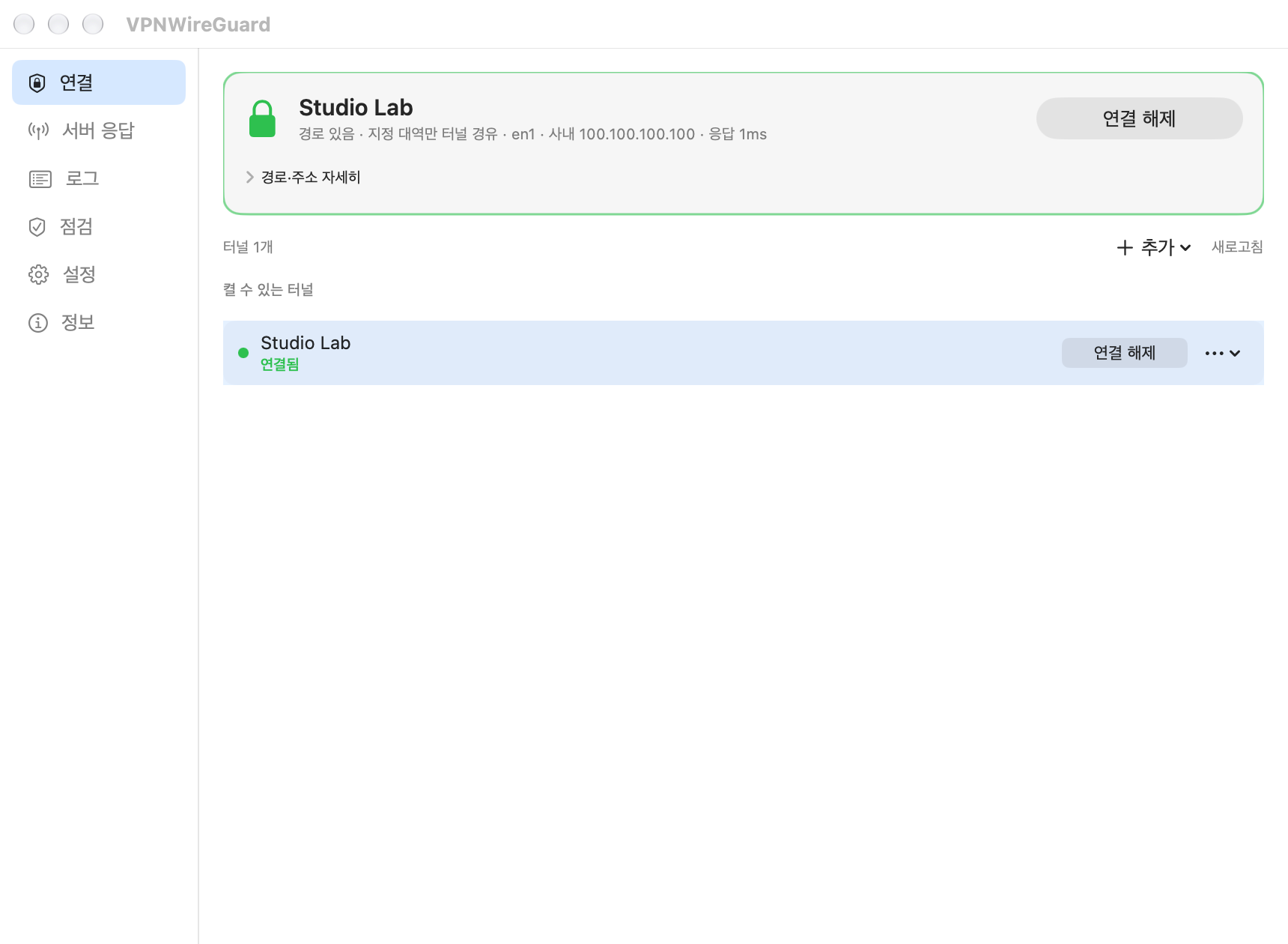
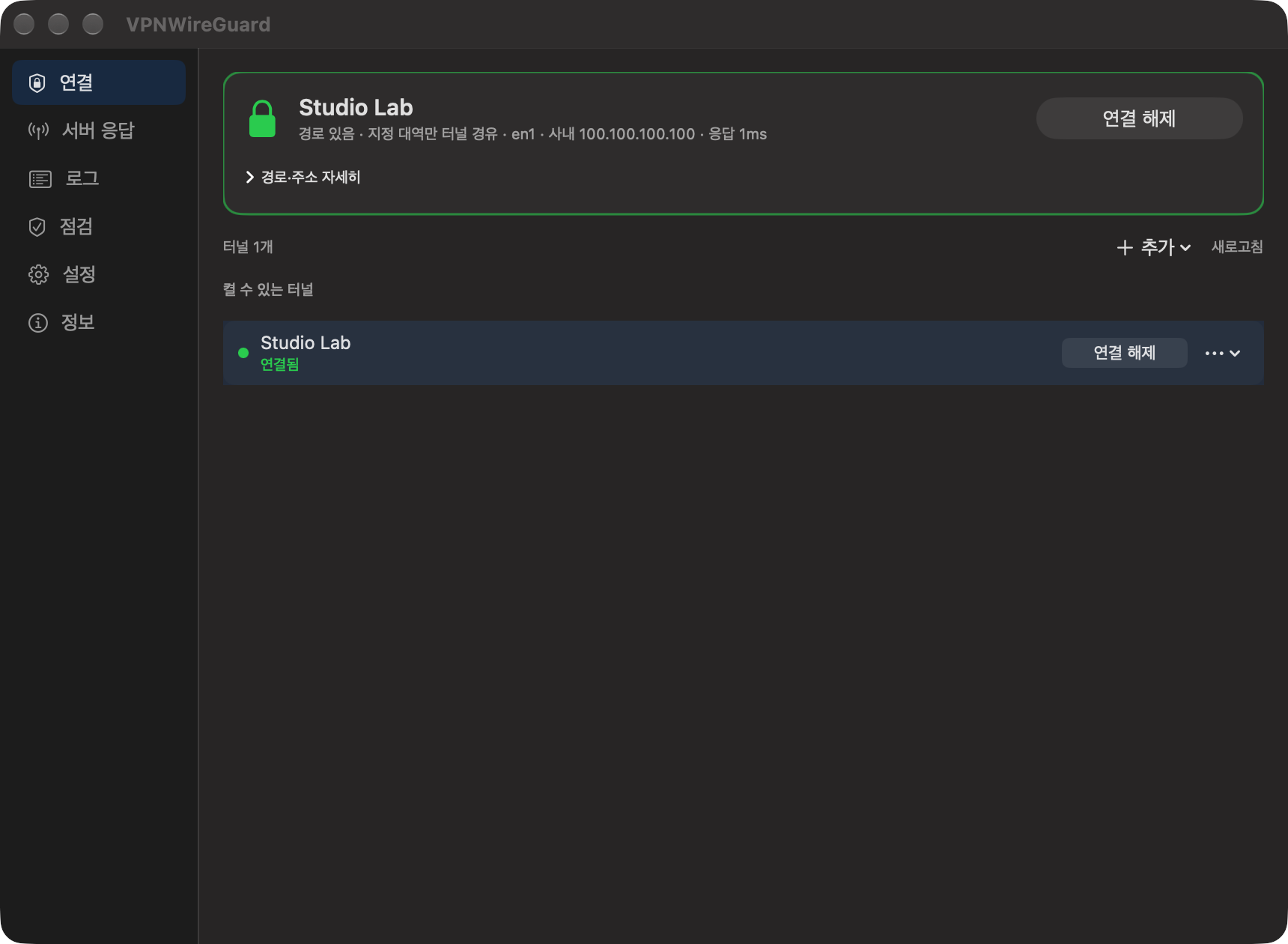
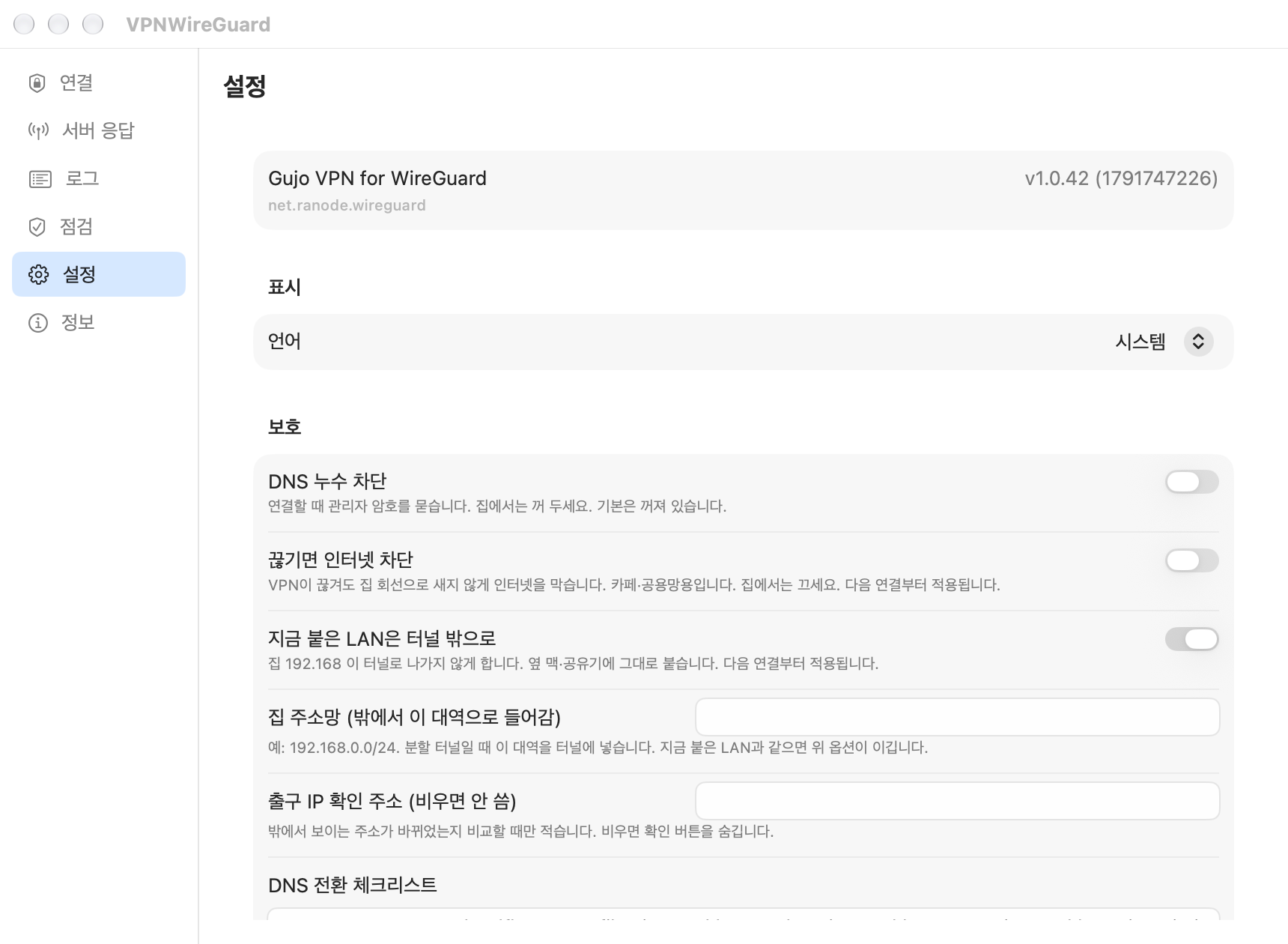
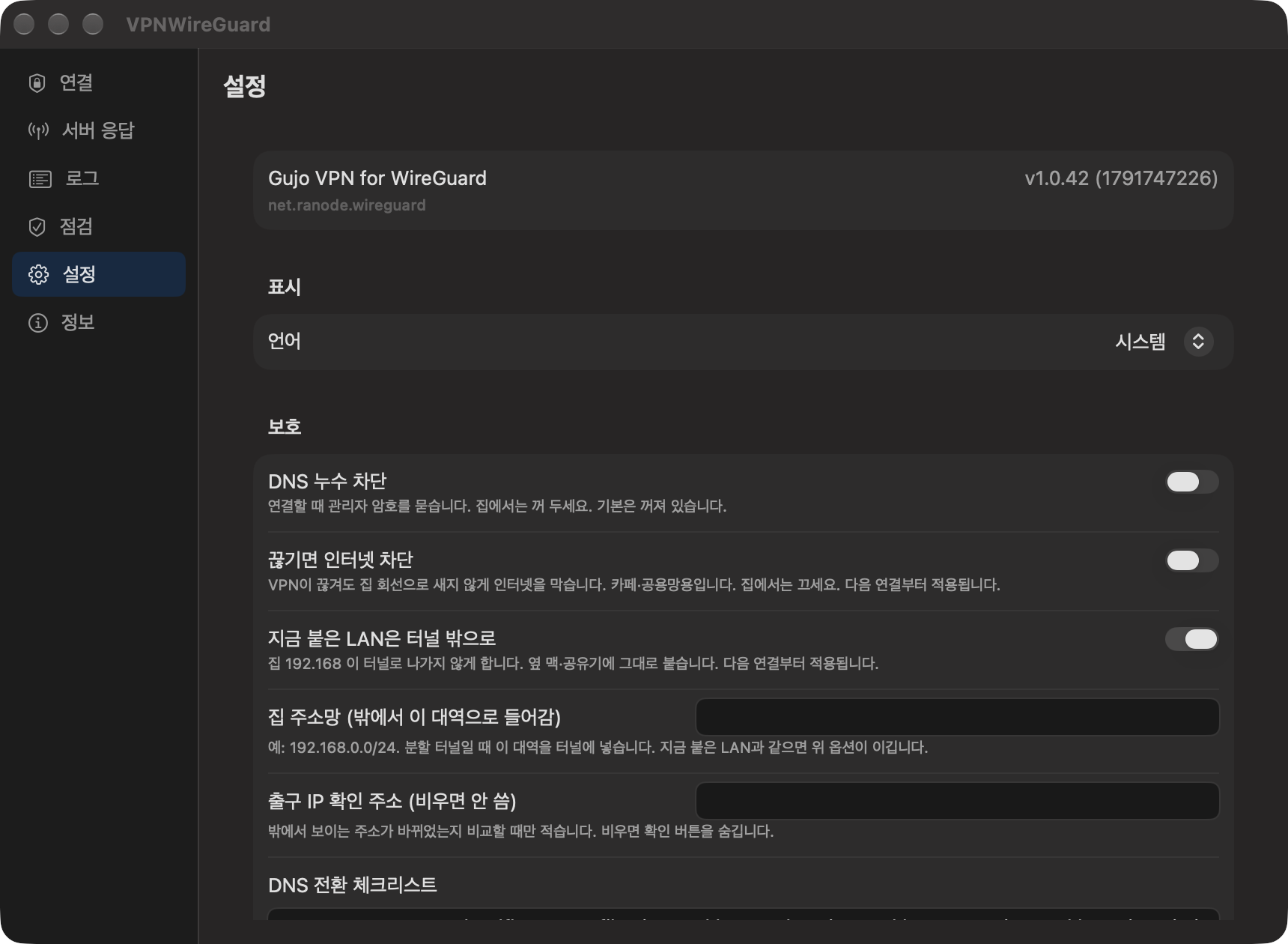
Gujo VPN for WireGuard connects this Mac to WireGuard servers through its own packet tunnel extension. wireguard-tools, wg-quick and other WireGuard apps are not needed.
In the Connections tab of the window, import a .conf file, a WireGuard export .zip, pasted configuration text, or a QR code image. Dropping a file anywhere on the window works too. The private key is stored in the system keychain.
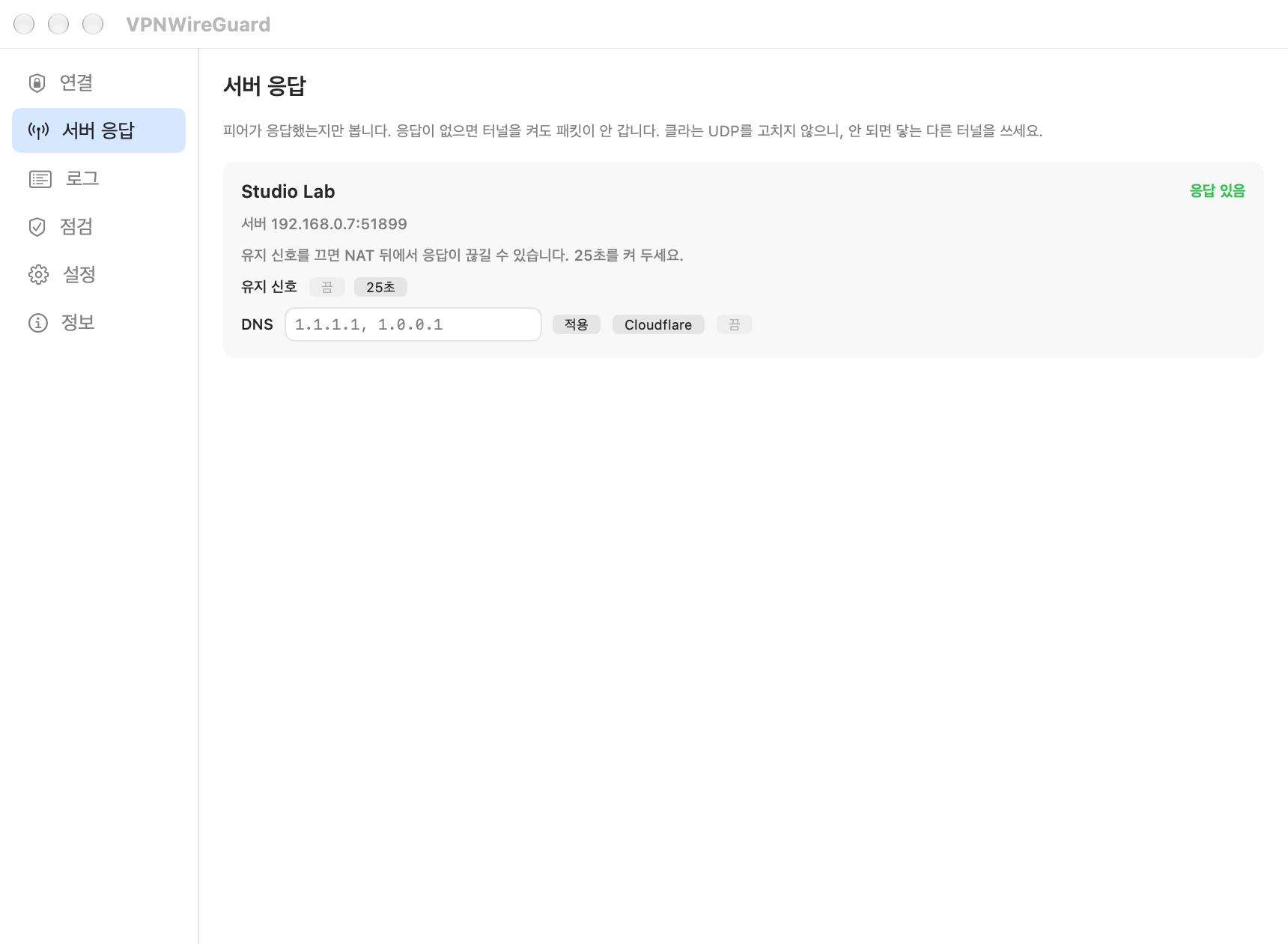
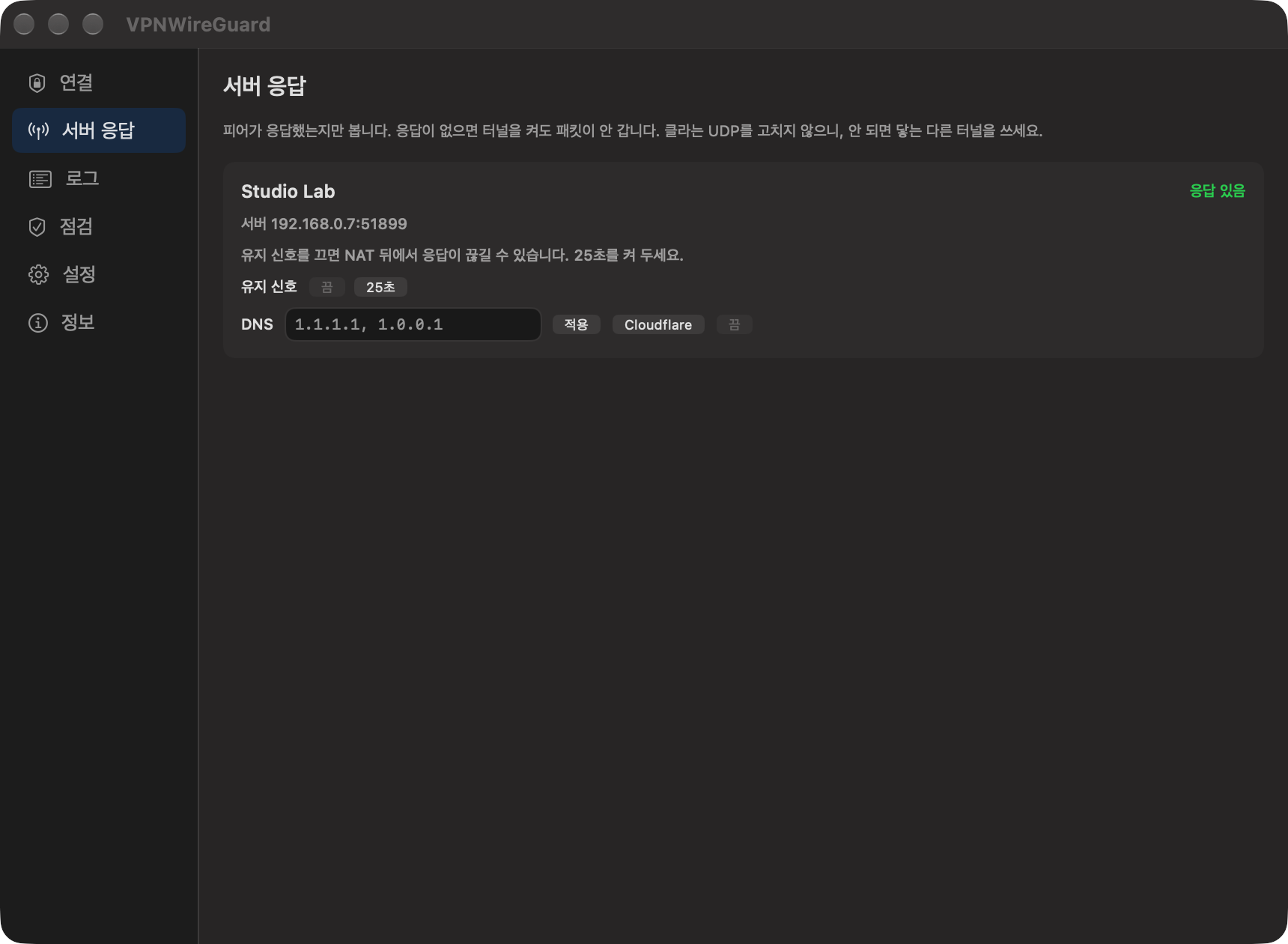
Pick a tunnel from the menu bar list or the Connections tab. If a connection fails, the error stays on that tunnel's row. The Server Response tab shows whether the peer has answered.
The Settings tab has a kill switch that blocks internet traffic when the tunnel drops, automatic reconnect, and trusted Wi-Fi networks where the tunnel does not start on its own.
The command line uses the same engine as the window. network-wireguard-connector list --json shows the tunnel list, up and down turn a tunnel on and off, and audit checks for DNS and route leaks. down shows what will change first and acts only after confirmation.
Tunnels created by other WireGuard apps appear in a read-only list in the window.
 Clipboard History
 Keyboard Settings Manager
 RightClick